Data & Tech
A Purpose-Built Solution for Construction and WorkFace Planning
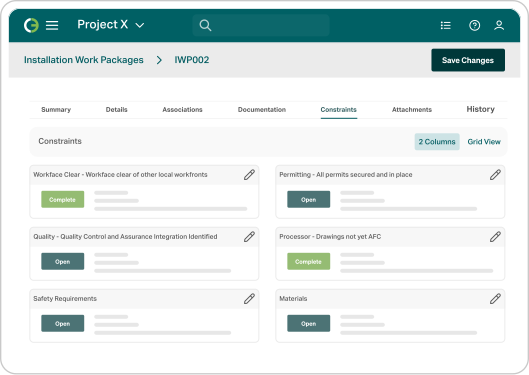
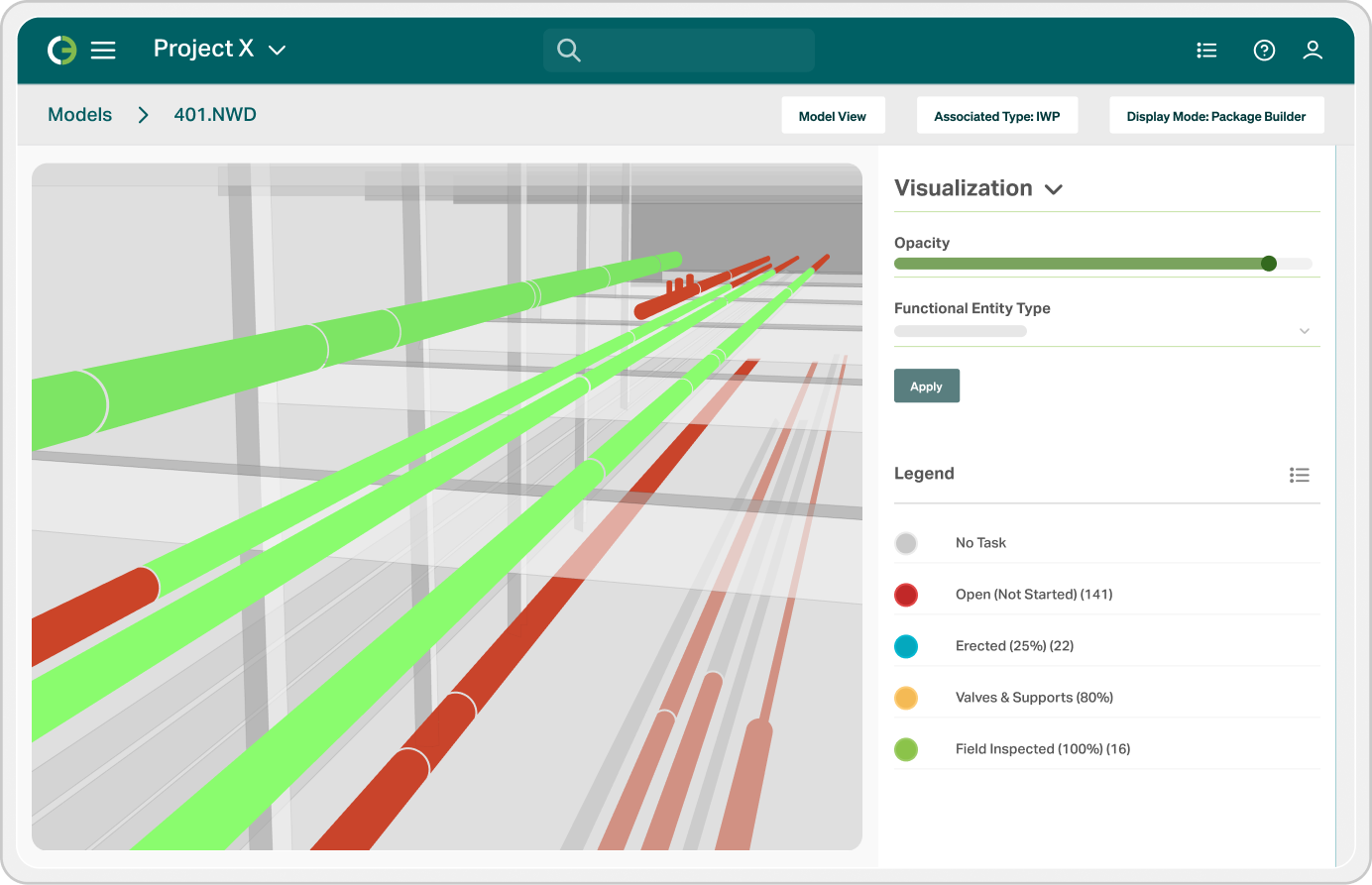
ONField, O3’s mobile app, puts IWPs, drawings, the 3D model and crew timesheets in the hands of forepersons and field engineers, and it keeps working when the connection drops. Crews progress work, raise RFIs and punch items with photos attached, clear constraints and log hours offline, and everything syncs back as soon as they reconnect.
ONField is free to download for iPhone and iPad from the Apple App Store and for Android phones and tablets from Google Play.
Capital projects lose hours every day to the distance between the work front and the planning office. Crews mark up paper copies of their IWPs, supervisors re-key those markups into a spreadsheet at shift end, and the number that finally lands on a dashboard describes a job site that has already moved on. Constraints surface after they have cost a day, punch items get written on whatever is at hand, and earned value trails the actual state of the work.
ONField removes that handoff. Field teams work directly against the same package data the planners built, and progress, constraint status, and punch items flow back into O3 as they are captured. The plan and the work front stay aligned without anyone retyping anything.

ONField opens to the packages that matter to the person holding the device, and every detail behind an IWP travels with it.

On a modular build past the halfway mark, Aecon’s QC team was tracking punch items in Excel. Every item meant walking it, photographing it, writing notes on paper and returning to the office to upload it all, and when that data lagged, the next shift often re-inspected work that had already been checked.
Aecon moved punch management into ONField, where crews now document and clear each item on the spot with tag data filled in automatically, and the office sees every update as it happens.

Boost Productivity and Regain Trust in Your Data
Having the power of O3 in your pocket gives field teams one single source of truth, keeping everyone from the office to the field on the same page.